Windows 10 (version 1703) April, 2017 Creators Update
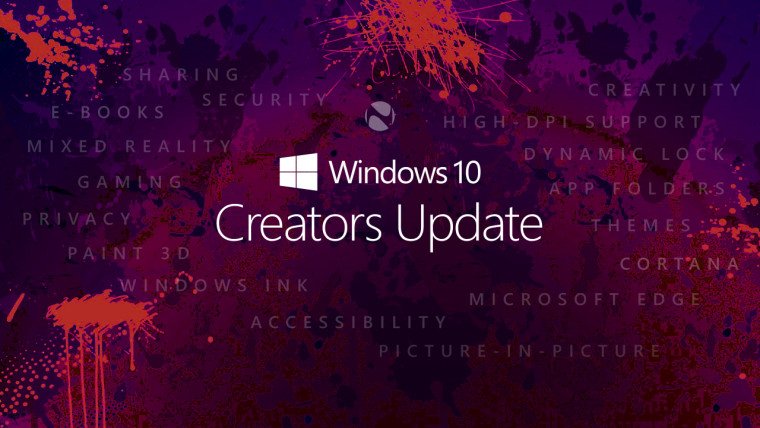
Windows 10 version 1703, also known as the Windows 10 Creators Update, was officially released in April 2017 as a major update to the Windows 10 operating system. Microsoft released this update with the primary goal of improving creativity, productivity, and system performance.
As a result, it introduced several innovative tools designed specifically for creators, gamers, and everyday users. Windows 10 version 1703 quickly became one of the most significant updates in the Windows 10 lifecycle.Furthermore, the Windows 10 Creators Update focused on improving the overall user experience by expanding the capabilities of Windows 10.
Microsoft introduced new features such as Paint 3D, enhanced gaming tools, improved privacy controls, and better system customization options. This provided users with access to a more powerful and flexible computing environment, supporting both creative work and everyday tasks.
Windows 10 version 1703 also represented Microsoft’s ongoing commitment to delivering feature-rich updates rather than releasing entirely new operating systems. Thanks to this strategy, the Creators Update significantly improved the existing Windows environment while maintaining compatibility with millions of devices worldwide.
Key Features of Windows 10 Version 1703:
Windows 10 version 1703 introduced several features that enhanced creativity, productivity, and system management. These features were designed to optimize both the visual experience and system functionality.
Paint 3D and Design Tools:
Paint 3D, a modern version of the classic Microsoft Paint application, was one of the new features of the Windows 10 Creators Update. Unlike the traditional version, Paint 3D allows users to create and modify 3D objects. Designers, students, and creative professionals can easily create 3D models, apply materials, and share their creations.
Game Mode for Better Gaming Performance:
Another key feature introduced in version 1703 is Game Mode. This feature optimizes system resources to improve gaming performance. As a result, when Game Mode is enabled, Windows prioritizes CPU and GPU usage for the game. This allows gamers to enjoy a smoother gaming experience with fewer background interruptions.
Game Streaming Integration via Beam:
The Creators Update also incorporated built-in game streaming capabilities through Microsoft’s Beam service. With this feature, gamers can stream their gameplay directly from Windows 10 without needing to install any external software. Sharing gameplay with your audience is now much easier.
Improved Microsoft Edge Browser:
Microsoft continued to improve its Edge browser in version 1703, introducing several performance and security enhancements. Edge also improved tab management and extension compatibility. As a result, browsing is faster and more efficient.
Night Light Feature:
Another useful new feature is Night Light. This feature reduces the blue light emitted by the screen at night, helping to reduce eye strain and improve sleep quality for users who work late.
Dynamic Lock Feature:
Windows 10 version 1703 introduced Dynamic Lock, a security feature that automatically locks your computer when you move away. When connected to a paired Bluetooth device, such as a smartphone, the system can detect when the device is out of range.
What’s new in Windows 10 version 1703?
The Creators Update introduced several innovations that significantly improved system productivity and functionality.
3D and Mixed Reality Support
The update focused primarily on 3D content creation. Microsoft introduced tools that allow users to create, view, and share 3D objects. Additionally, support for mixed reality devices was expanded, enabling immersive experiences with compatible headsets.
Improved Privacy Settings
Microsoft redesigned the privacy settings interface. This improvement gives users greater control over how their data is used. During setup, users can easily manage options related to location tracking, diagnostics, and personalized advertising.
Enhanced Windows Defender Security Center
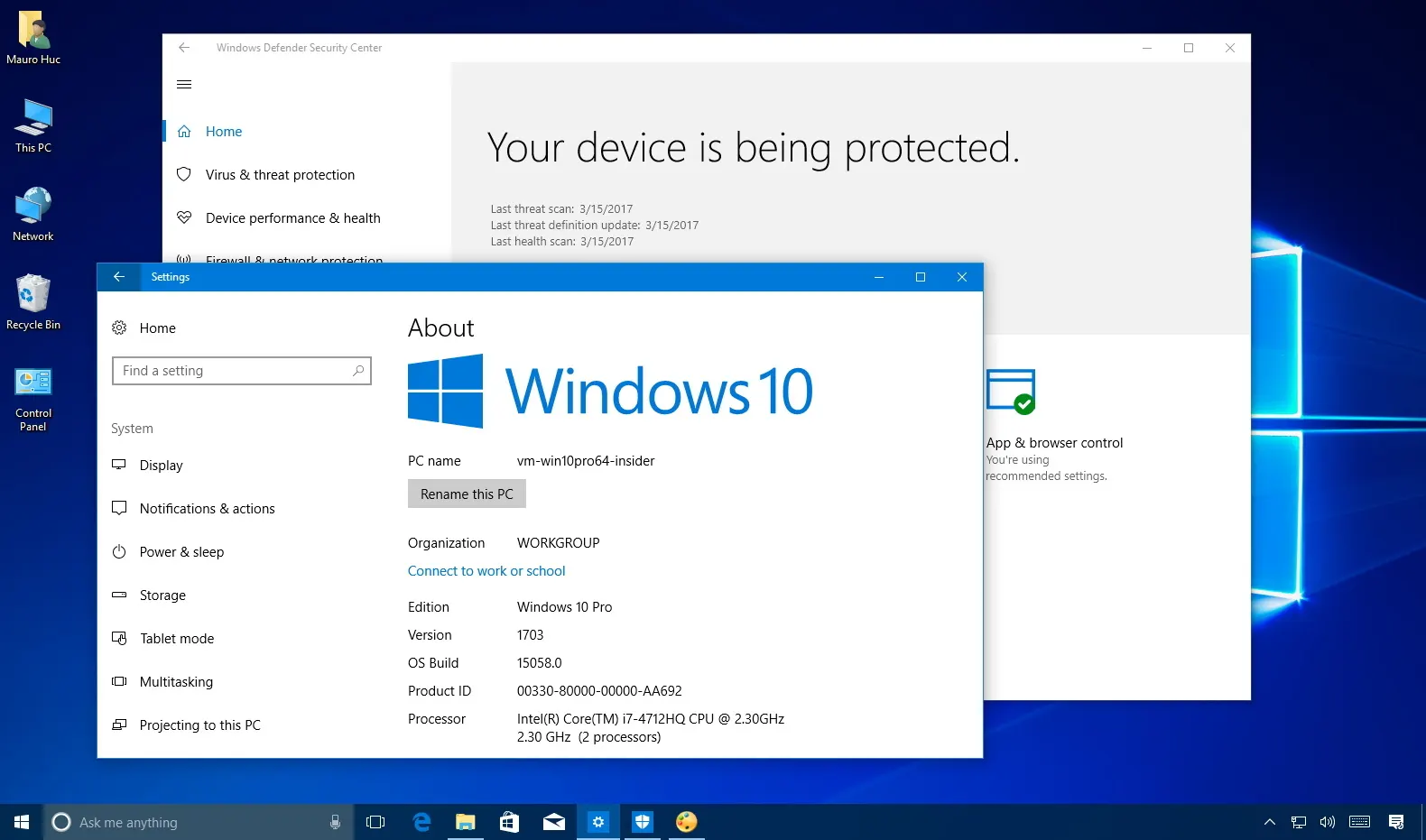
The Windows Defender Security Center is now a central hub for managing system security.
You may also Download:
System Requirements for Windows 10 Version 1703
Before installing Windows 10 Version 1703, please ensure your hardware meets the minimum requirements.
Minimum System Requirements
- Processor:
1 GHz or faster processor, or a compatible System on a Chip (SoC). - RAM:
1 GB for 32-bit systems.
2 GB for 64-bit systems. - Storage Space:
16 GB for 32-bit systems.
20 GB for 64-bit systems. - Graphics Card:
- DirectX 9 or later with WDDM 1.0 driver.
- Display:
800 x 600 resolution or higher. - Internet Connection:
Required for updates, activation, and some features.
While these requirements are relatively modest, more powerful hardware will experience significantly better performance.
Additional Features and Capabilities:
Improved Start Menu Customization:
The Creators Update added more customization options to the Start menu, allowing users to group and organize app tiles more efficiently.
Improved Bluetooth and Device Connectivity:
Windows 10 version 1703 improved Bluetooth connectivity, making it easier to connect wireless accessories such as headphones, keyboards, and mice.
Improved Storage Sensor:
Another useful feature is Storage Sensor, which helps automatically delete temporary files and free up disk space.
Improved Action Center Notifications:
The Action Center received improvements that allow for more efficient grouping and management of notifications.
Windows Ink Improvements:
Windows Ink was further improved in version 1703, enabling users with digital pens to write, draw, and annotate more effectively.
Frequently Asked Questions:
What is Windows 10 version 1703?
Windows 10 version 1703 is the Creators Update, released in April 2017, which introduced new creative tools, gaming features, and security improvements.
Why is it called version 1703?
The version number 1703 refers to the year and month of development, in this case, March 2017.
What is the main focus of the Creators Update?
It focuses on creativity, gaming improvements, and enhanced privacy controls.
What is Paint 3D?
Paint 3D is an enhanced version of Microsoft Paint that allows users to create and edit 3D objects and graphics.
What is Game Mode?
Game Mode optimizes system resources to improve game performance and reduce background interruptions.
Is Windows 10 version 1703 still supported?
No. Microsoft discontinued support for this version as it was superseded by newer Windows updates.
What is Dynamic Lock?
Dynamic Lock is a security feature that automatically locks your computer when the paired Bluetooth device goes out of range.
Homepage: windowstan.info
Post Comment