Windows 10 (version 1909) Free Download
Windows 10 version 1909, also known as the November 2019 Update, is a major update released by Microsoft to improve the stability, performance, and usability of Windows 10. Unlike some previous updates that introduced sweeping changes, version 1909 focused primarily on improving system performance and reliability, along with subtle but significant usability enhancements.
As a result, this update provided a smoother user experience for both home and business users. Furthermore, Windows 10 version 1909 continued Microsoft’s strategy of improving the existing Windows platform rather than introducing major structural changes.
Because version 1909 shares the same core system architecture as version 1903, it was released as a lightweight update for many devices. Consequently, the installation process was faster and less cumbersome compared to major Windows updates.
The November 2019 Update also introduced several practical improvements, including better notification management, increased battery efficiency, optimized taskbar controls, and improved system performance. Therefore, while this update may seem minor compared to previous versions, it played a significant role in improving the reliability and efficiency of Windows 10 systems.
Key Features of Windows 10:
Windows 10 version 1909 introduced several improvements that optimized system usability, performance, and responsiveness.
Improved Notification Management:
One of the most notable improvements in the Windows 10 November 2019 Update is the enhanced notification system. Previously, users had limited control over notification settings. Now, version 1909 makes it easier to access notification controls directly from the notification bar.
Taskbar Calendar Improvements:
Another useful improvement in version 1909 is the enhanced taskbar calendar feature. Users can now create calendar events directly from the taskbar without having to open the full Calendar app. As a result, scheduling meetings, reminders, and appointments is faster and more efficient.
Processor Scheduling Improvements:
Windows 10 version 1909 introduced improvements for systems with modern multi-core processors. Specifically, Microsoft optimized processor scheduling to increase performance on devices with advanced CPU architectures. As a result, users can experience improved performance and longer battery life.
File Explorer Search Integration:
Another significant change in version 1909 is the improved search functionality in File Explorer. Thanks to the more efficient integration of Windows Search with File Explorer, search results are displayed faster and include suggestions from both local storage and cloud services.
Greater Energy Efficiency:
Windows 10 version 1909 also introduced power management improvements for laptops and mobile devices. These improvements help extend battery life by reducing unnecessary background processes.
What’s New in Windows 10 version 1909?
While the November 2019 update didn’t add many major features, it did introduce significant improvements that streamlined the overall Windows user experience.
Faster Update Installation:
One of the most significant changes in version 1909 is the faster installation of updates. Since the update uses the same core system files as version 1903, the installation process is faster and consumes fewer system resources.
Improved Windows Search Performance:
Microsoft has improved the performance and accuracy of Windows Search in this version. As a result, the system can find files, applications, and settings much faster.
You may also Download:
System Requirements for Windows 10:
Before installing Windows 10 version 1909, users should ensure their hardware meets the minimum system requirements.
Minimum System Requirements:
- Processor:
1 GHz or faster processor, or a compatible System on a Chip (SoC). - RAM:
1 GB for 32-bit systems.
2 GB for 64-bit systems. - Storage:
32 GB of available storage space. - Graphics Card:
DirectX 9 or later with WDDM 1.0 driver. - Display:
800 x 600 screen resolution or higher. - Internet Connection:
Required for system updates, activation, and some features.
While these requirements are relatively modest, higher-spec hardware will provide significantly better performance.
Additional Features and Enhancements:
Enhanced Enterprise Device Management:
Businesses benefit from enhanced enterprise device management tools, which help administrators control security policies and system updates more efficiently.
Improved Start Menu Performance:
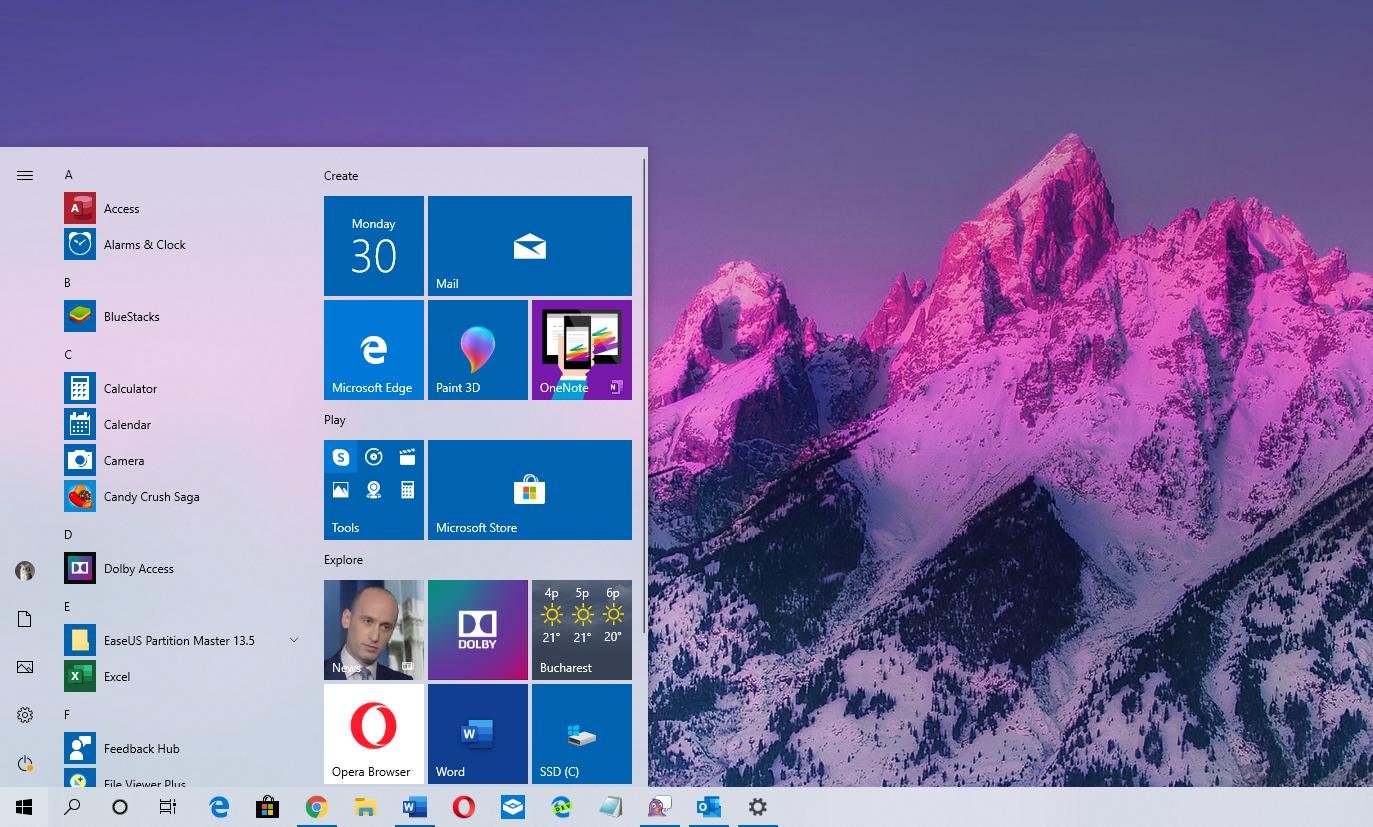
The Start menu received performance improvements that reduce system load and improve responsiveness.
Improved Wireless Connectivity:
Windows 10 version 1909 introduced improvements to Wi-Fi and wireless connectivity, resulting in better network stability.
Enhanced System Security:
Microsoft strengthened several internal security mechanisms, helping to protect devices from emerging threats.
Faster File Operations:
File transfers and system file operations are now slightly faster thanks to performance improvements.
Frequently Asked Questions:
What is Windows 10 version 1909?
Windows 10 version 1909 is the November 2019 update, which introduced performance improvements, better notification management, and greater system stability.
Why is it called version 1909?
The version number refers to the release date, which was September 2019.
Is Windows 10 version 1909 a major update?
No. Version 1909 is a minor update that focuses primarily on improving system performance and reliability.
Does version 1909 improve system performance?
Yes. Microsoft has improved processor scheduling and background processes, resulting in improved performance on many devices.
What improvements have been made to File Explorer search?
File Explorer search is now faster and more integrated with Windows Search services.
Conclusion:
Windows 10 version 1909, also known as the November 2019 Update, focused primarily on improving system stability, performance, and usability, rather than adding major new features. Thanks to this approach, the update provided a smoother and more reliable user experience for many users.
Homepage: windowstan.info
Post Comment